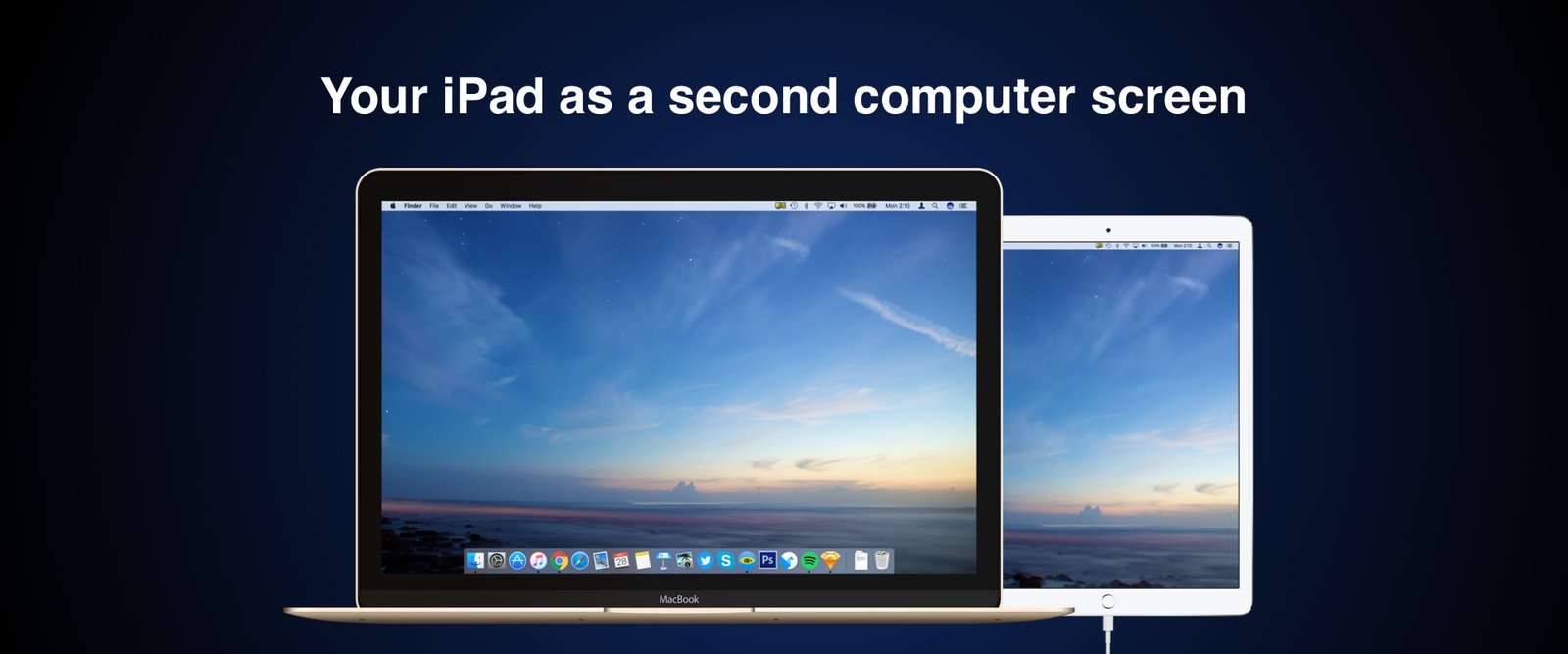
iDisplay

extra monitor for your Mac or PC

Get Started

Download and install free iDisplay Desktop:
v.2.4.2.16
Get iDisplay app for your mobile device:

Two is better than one.

Recent study by the University of Utah has found that people who use two monitors are
as much as 44% more productive than those who are using a single monitor.

See how iDisplay can help you be more productive:

Share your screen with everyone in the room

Create something and share it with your audience. If you're a teacher, invite your students to join you for a beautiful demo. If you're on a meeting, share that spreadsheet with your partners. If you're having friends at your place, share family vacation photos.

Declutter your desktop

Move your messaging application, Facebook window,
Twitter feed, widgets and everything that clutters your
main display to your secondary monitor

Control things right from secondary display

Secondary display with touch-interface is the right place for
tool palettes of music and graphic editing applications,
PowerPoint and music playback controls.

Your secondary display is portable

Move everything you need to secondary display and
take it with you on a mission

Engineers will appreciate that

Use second screen for UI previews, debuggers, consoles
and reference manuals

So what iDisplay does, exactly?

  • Use iDisplay as touch-enabled secondary display: gives you more screen space for everything you have to keep your eye on.
  • Mirror image from main display on your iPad / iPad mini / iPhone / iPod touch: comes in handy when you need to share your desktop with your audience. Keep in mind that iDisplay allows to connect up to 36 iOS devices to one Mac!
  • Single-window mode: use iDisplay for one application of your choice. Quickly move selected apps from list of your favorite apps to iDisplay with one click!
  • Zoom and Pan your desktop right on secondary display.
  • Easily switch between portrait and landscape screen orientations: simply rotate your device and it will adjust automatically
  • Connect up to 36 devices to one computer, select their layout once and use it anytime later
  • Customize display settings for each device you use as your secondary display, iDisplay will remember your preferences
  • Use iDisplay as touch-enabled secondary display: gives you more screen space for everything you have to keep your eye on.
  • Zoom and Pan your desktop right on secondary display
  • Easily switch between portrait and landscape screen orientations: simply rotate your device and it will adjust automatically
  • Move selected apps from list of your favorite apps to iDisplay with one click

Compatibility

  • iDisplay Desktop application needs to be installed on your Mac.
  • iDisplay is compatible with Intel-based Macs running on Mac OS X 10.5 and later.
  • Your computer and iOS device must be connected to the same Wi-Fi network.
  • iDisplay Desktop application needs to be installed on your PC.
  • iDisplay is compatible with Windows XP (32-bit only), Windows Vista (32- and 64-bit), Windows 7 (32- and 64-bit) and Windows 8.
  • Windows 7 Starter Edition is not supported.
  • For Windows Vista and Windows 7 "Aero" theme may be disabled when connected to iDisplay and will be re-enabled upon disconnection).
  • Your computer and iOS device must be connected to the same Wi-Fi network.
“
iDisplay app turns your iPad, iPad mini or iPhone into secondary screen - too good to be true.”
“
That´s: brilliant. I mean, I can think of about a billion uses for this.”
         “
Top iPad app to have”
MobileCrunch
MobileWhack
PC Magazine
© 2013 SHAPE All rights reserved.
Support

Select your Mac OS X version

10.6 Snow Leopard and later

iDisplay Desktop 2.3.10

10.5 Leopard

iDisplay Desktop 1.1.12

Select iDisplay version:

iDisplay

For iPad / iPad mini / iPhone / iPod touch

iDisplay mini

  For iPhone / iPod touch